
Trade: Drain engineer
App for drain engineers
Drain engineer app: emergency jobs, calendar and customer history in one place
Drain clearing, machine rodding, high-pressure jetting – a call becomes a job in your own Google Calendar in a few taps. When a known customer calls again, you see what happened there last time while the phone rings.
 All features free for 14 days, then free Light. For Android.
In short
WorkDialer is an Android app for drain engineers: phone, job log and customer history in one place. Jobs go into your own Google Calendar, and when a known customer calls, you see their last or next job and the note while the phone rings.
- Who it's for
- Sole traders and small firms who go out to the customer
- Phone
- Android 8.0 or newer, tablets too; fully replaces the phone's built-in dialer
- Trying it
- All features free for 14 days, then free Light; PRO and MAX by subscription
- Account
- No account, no sign-up
- Data
- Jobs stay in your own Google Calendar; we don't see your calls, contacts or jobs
- Signal
- Works without signal too
- Languages
- 26 languages, follows your phone's language
- Developer
- Perfekt Alarm Bt., Monor – call-out service
A drain engineer's day on your phone
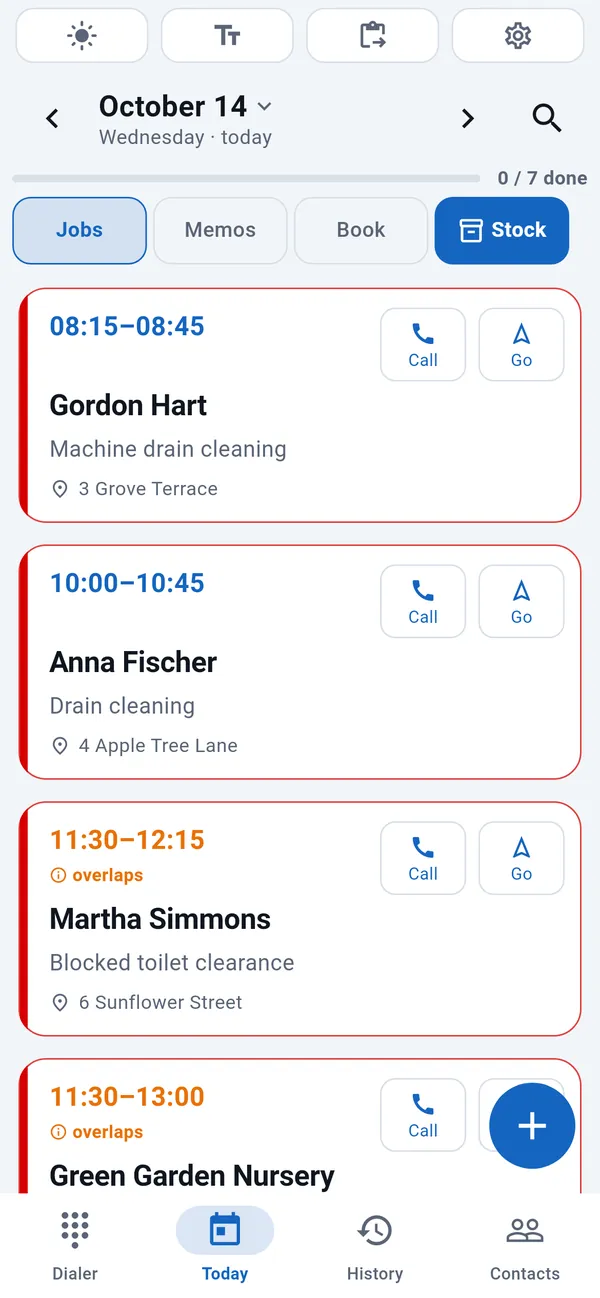
The Today tab
The day's jobs in time order, with addresses – one tap to call.
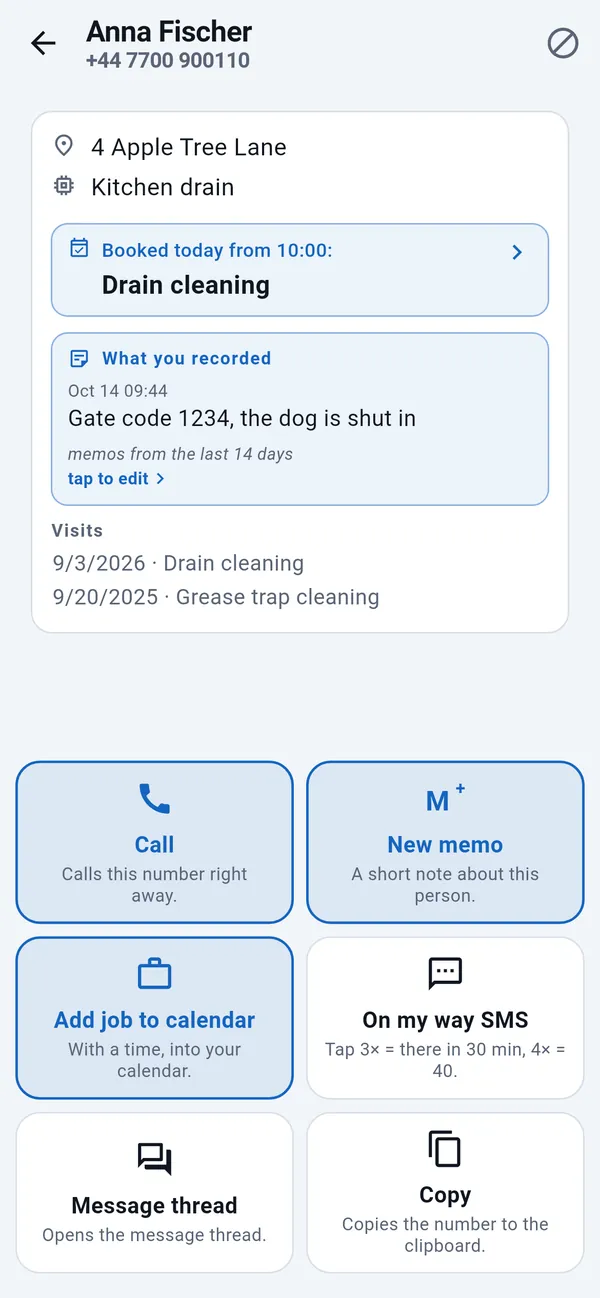
The customer card
What's booked in, what they said, and when you were last there.
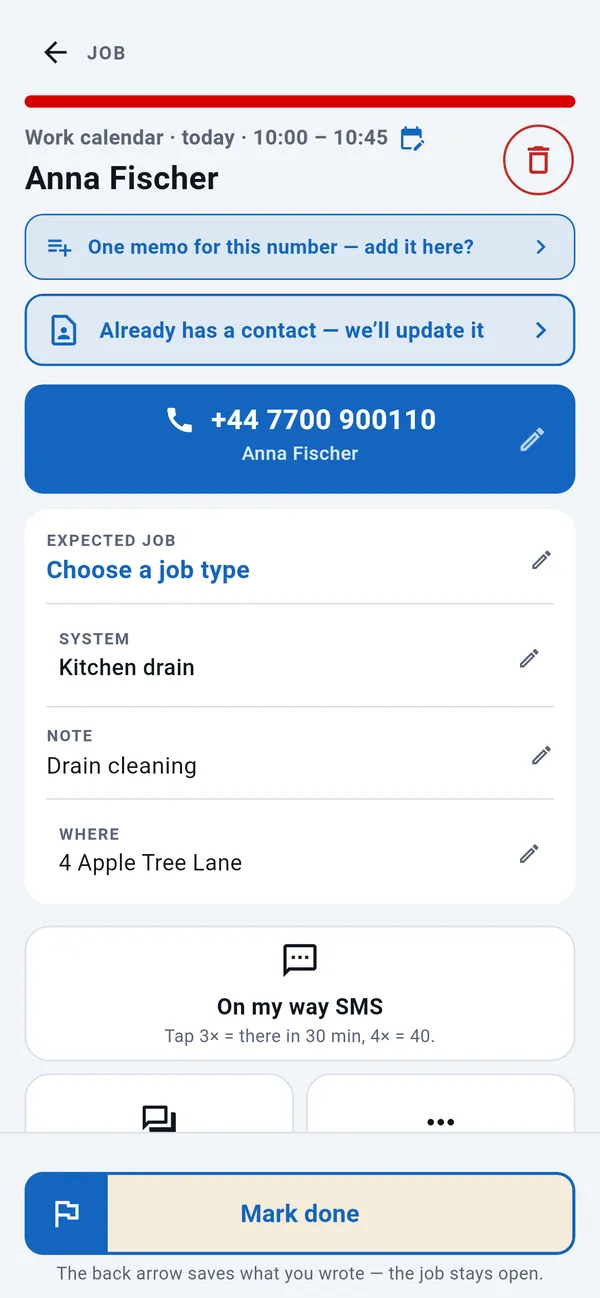
The job
System (here: “Kitchen drain”), note, address – close the job with one tap.
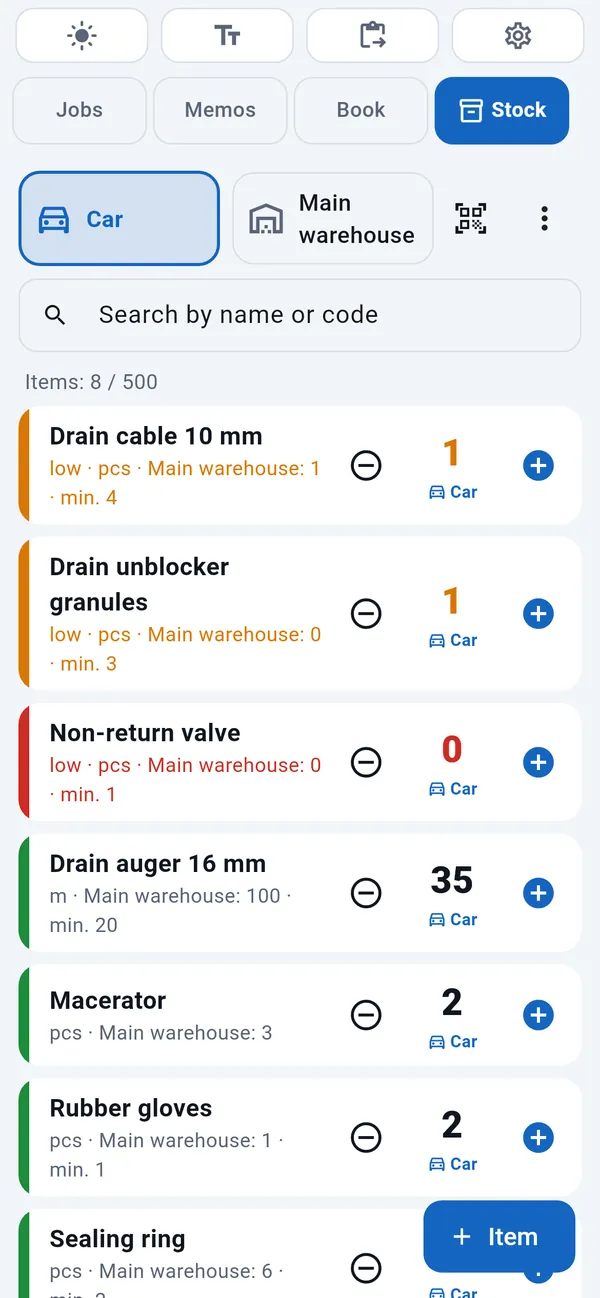
Stock
What's in the van and what's running low – one tap from the Today tab.
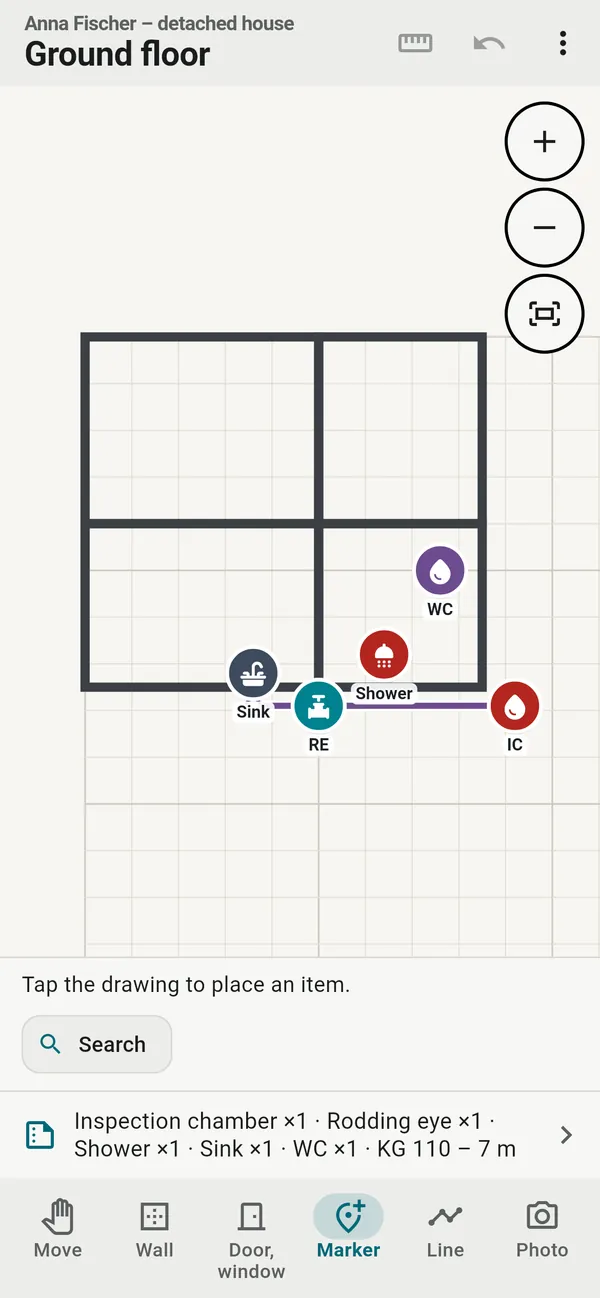
Site plan (MAX)
Site survey with floor plan: put markers on the plan and you've got your quantities.
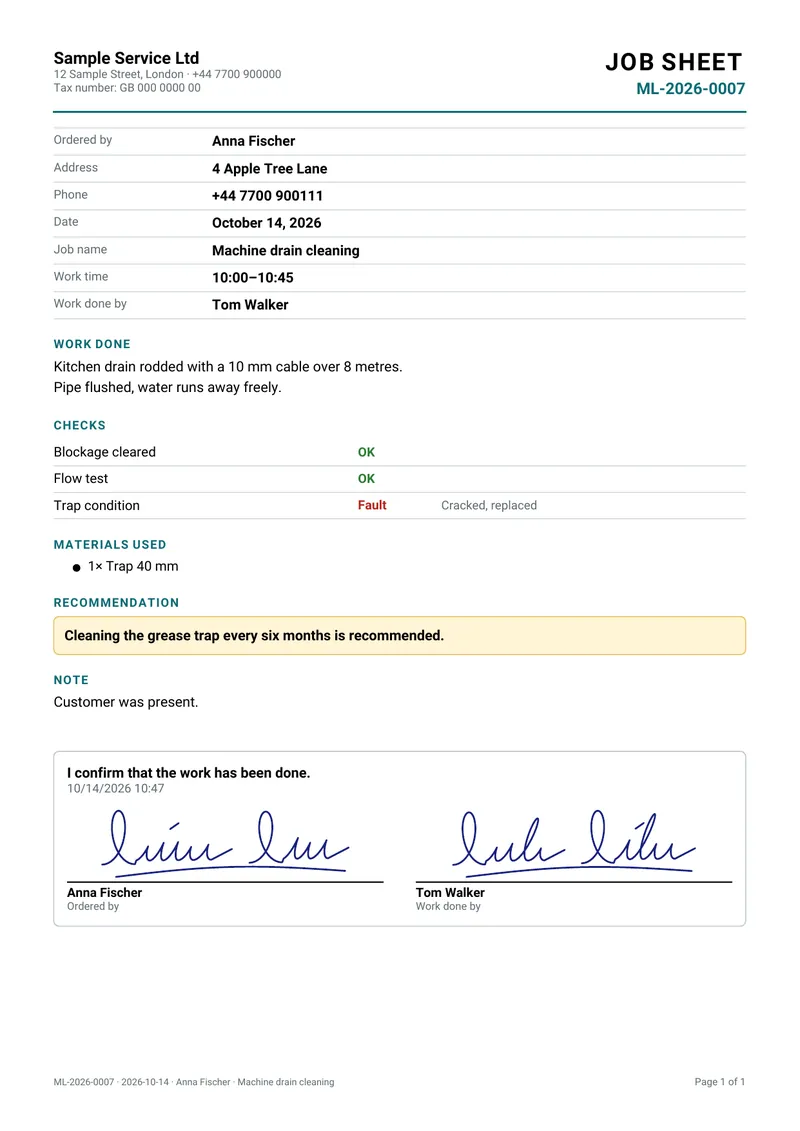
Digital job sheet with signature (MAX)
A closed job becomes a signed, numbered PDF – an electronic job sheet with no paper and no separate job sheet software: work done, checkpoints, materials used, recommendation. The customer signs on the phone.
Made by a service engineer, for service engineers
One app for every call-out trade
WorkDialer is the same app for every call-out trade. What makes it your drain app is what you put in: your job types, your customers' systems and the materials in your van. The screenshots above show the same app as for the other trades, just filled with drain jobs.
From call to job in a few taps
A few taps after the call and the job is in your own Google Calendar: name, address, job, time.
Material in the car
When you close a job, you enter what you used. The Today tab shows you when something is running low. Light 10, PRO 50, MAX 500 items.
| Item | In the van | Minimum |
|---|---|---|
| Drain cable 10 mm | 1 pcs low | 4 pcs |
| Trap 40 mm | 5 pcs | 2 pcs |
| Drain unblocker granules | 1 pcs low | 3 pcs |
| Drain cable 16 mm | 35 m | 20 m |
You add your own materials, in your own units.
Jobs due (MAX)
Grease traps, inspection chambers, communal stacks: where regular cleaning is needed, in MAX Jobs due on the Today tab shows whose is coming up again – so repeat work doesn't slip either.
What it does
- Customer and history: when you were there, what the job was
- Jobs in your own Google Calendar
- Notes by dictation
- Material in the car: what you have, what's running low
- Job sheet with signature (MAX)
- No account or sign-up, works without signal too
What it doesn't do
- Quotes, invoicing, bookkeeping
- Doesn't identify unknown callers: only shows people you've already worked for
- Never sends a text by itself – you always press Send
- Not design software: it doesn't draw wiring diagrams or installation drawings
Frequently asked questions
Is WorkDialer any good for drain engineers?
Yes. It's made for sole traders and small firms: you add your own job types (machine rodding, jetting, CCTV drain survey) and materials, and jobs go into your own Google Calendar.
Can I add an emergency job quickly?
Yes. A few taps after the call and the job is in the calendar, address and all.
If the same house calls again, can I see what happened last time?
Yes, if the caller is already your customer: while the phone rings, you see their last job and the note. It doesn't identify unknown callers.
Do I need internet on site?
No. Your day is there even at a manhole or in a cellar; internet is needed for Google Play purchases, the daily trial check and the optional Drive backup.
Is there a free digital job sheet?
The digital job sheet with signature is a MAX feature, and you can try it free for the first 14 days. After that, Light stays free (jobs, calendar, customer history); the job sheet needs a MAX subscription. You can see the price on Google Play.
How much does it cost?
All features free for 14 days, then it stays on free Light. You'll find the current price on Google Play.
Does it do quotes or invoices?
No. WorkDialer keeps your jobs, customers and materials in order; it doesn't do quotes, invoices or bookkeeping.
For other trades
Air-con engineer
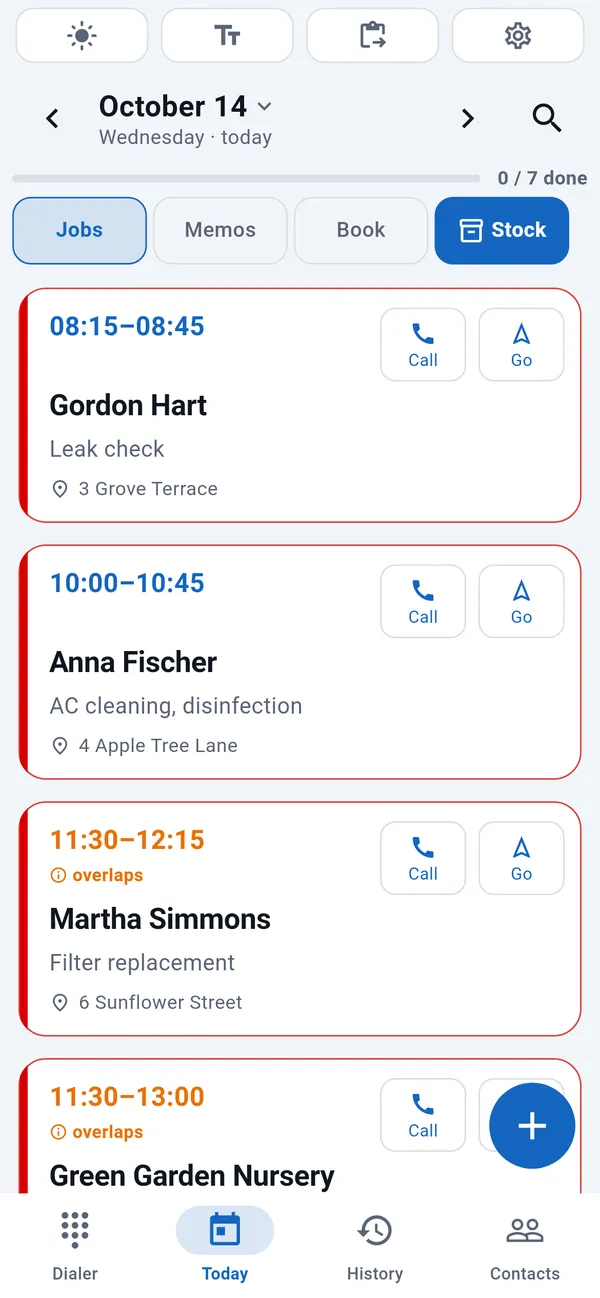
AC cleaning, filter changes, leak checks – jobs go into your own Google Calendar. When a known customer calls, you see their last or next job and the note while the phone rings.
Air-con engineer app – more →Electrician
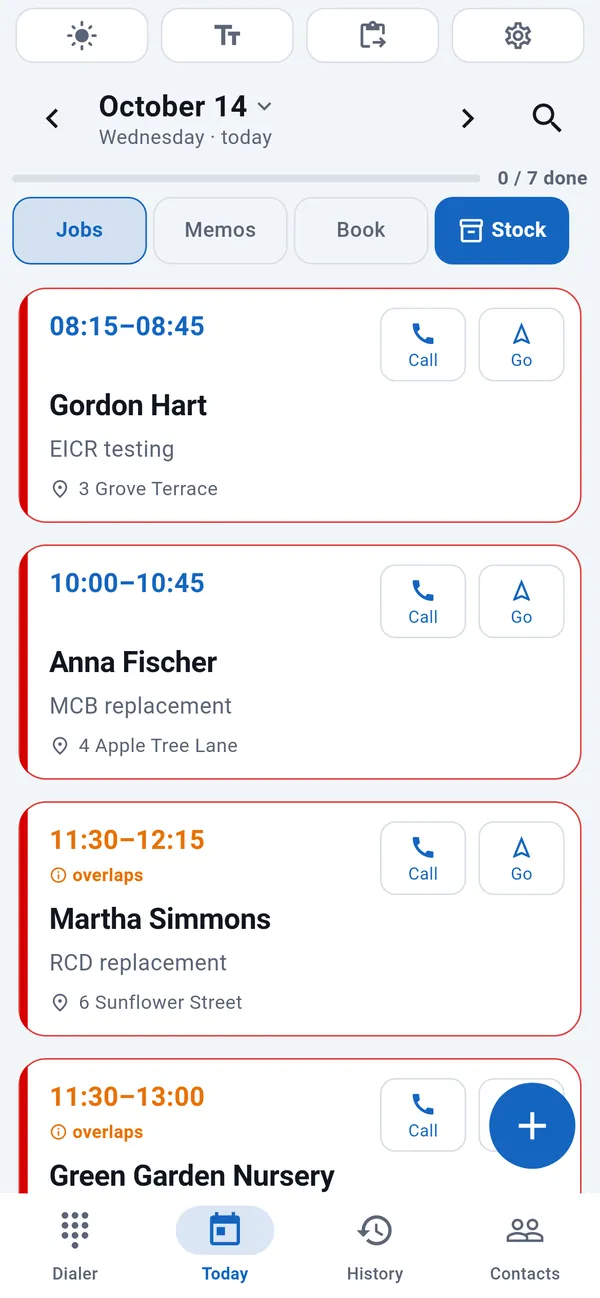
MCB replacement, RCDs, electrical testing – jobs go into your own Google Calendar. When a known customer calls, you see their last or next job and the note while the phone rings.
Electrician app – more →Plumbing, gas and heating engineer
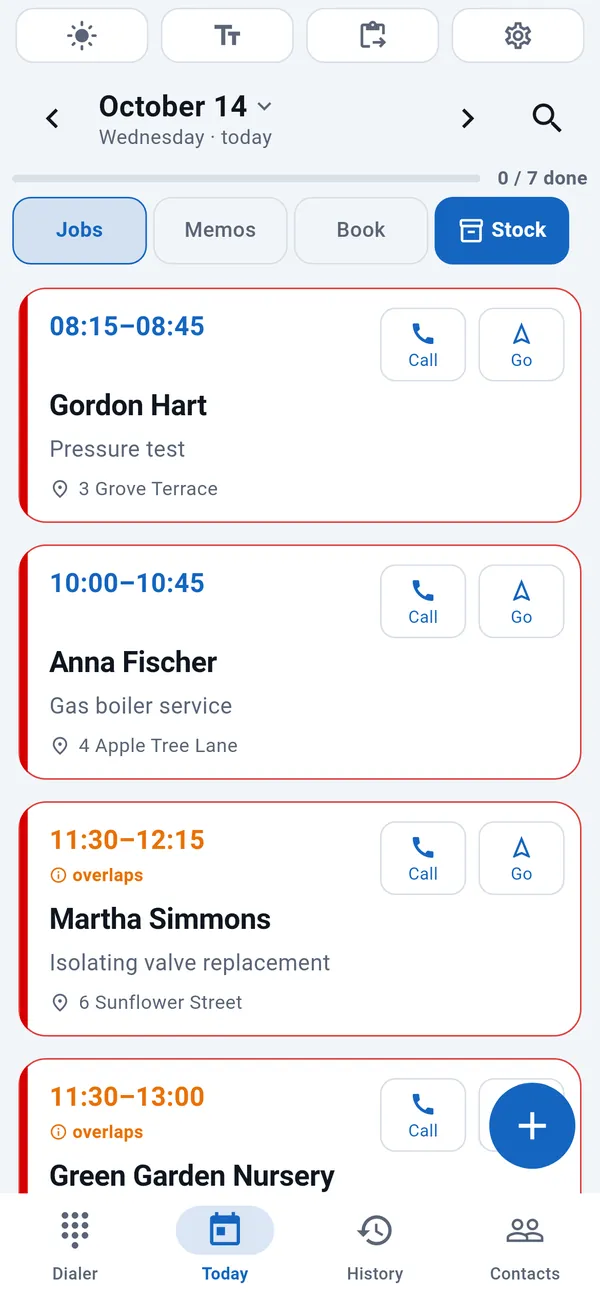
Dripping tap, angle valve, annual gas boiler service – jobs go into your own Google Calendar. When a known customer calls, you see their last or next job and the note while the phone rings.
Plumbing, gas and heating engineer app – more →Alarm engineer
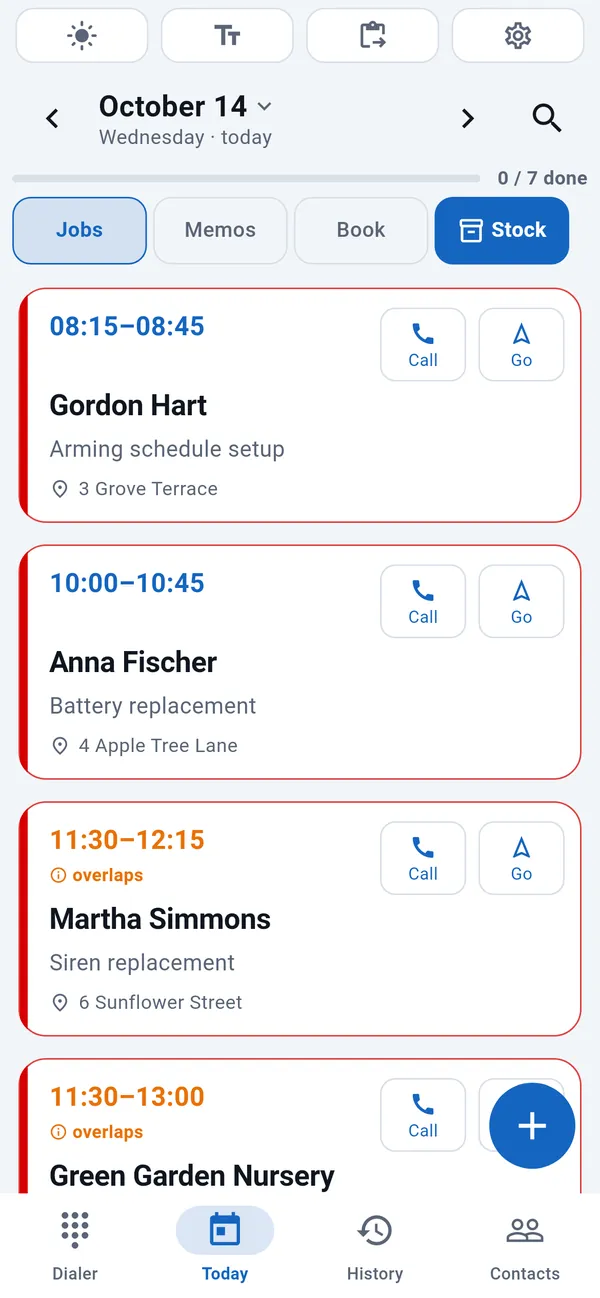
Battery replacement, siren replacement, annual maintenance – jobs go into your own Google Calendar. When a known customer calls, you see their last or next job and the note while the phone rings.
Alarm engineer app – more →Solar installer
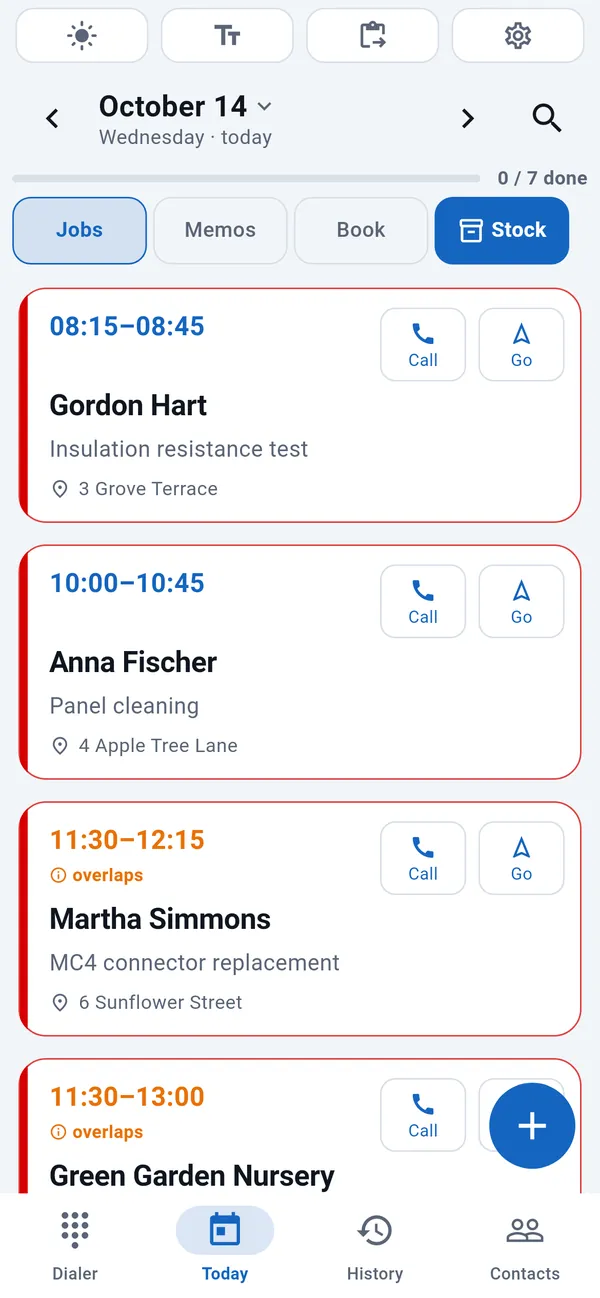
Inverter fault code, MC4 connector, panel cleaning – jobs go into your own Google Calendar. When a known customer calls, you see their last or next job and the note while the phone rings.
Solar installer app – more →Gate automation
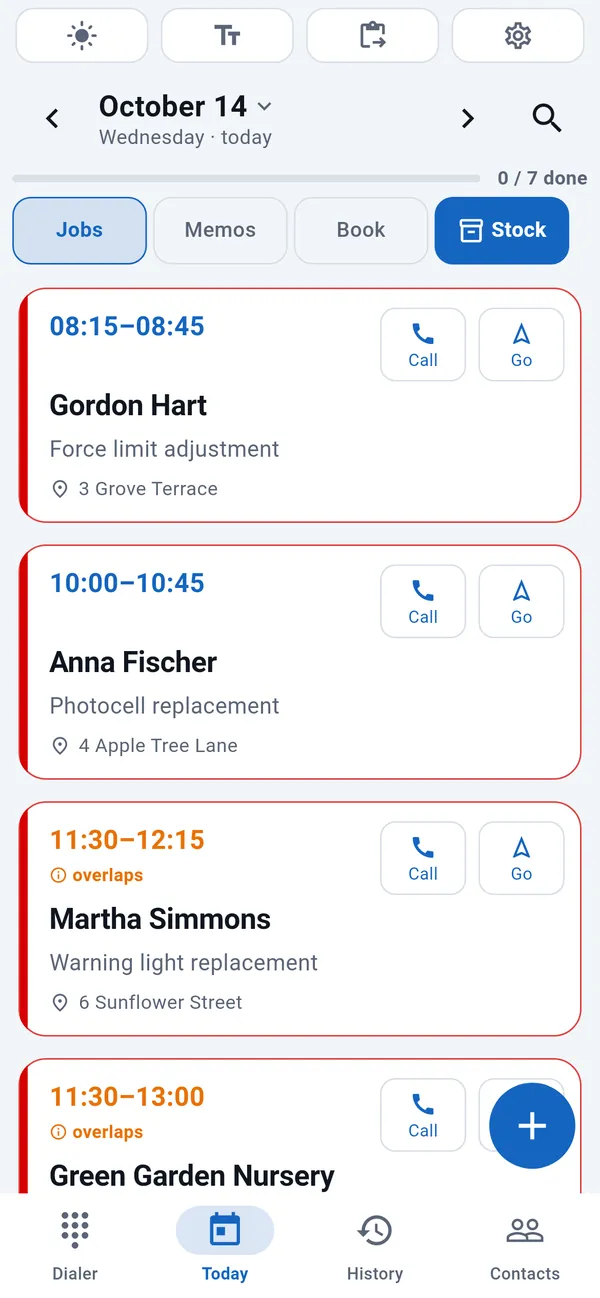
Photocell replacement, limit switches, key fob programming – jobs go into your own Google Calendar. When a known customer calls, you see their last or next job and the note while the phone rings.
Gate automation app – more →Appliance engineer
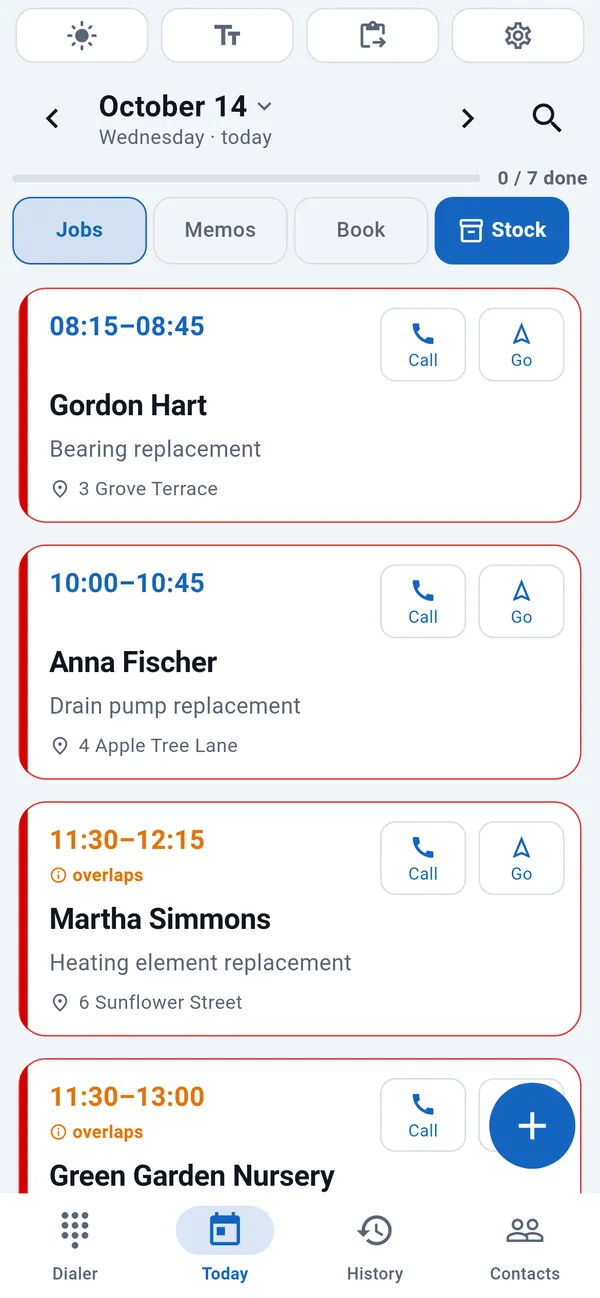
Drain pump, heating element, bearing replacement, E24 error code – jobs go into your own Google Calendar. When a known customer calls, you see their last or next job and the note while the phone rings.
Appliance engineer app – more →Mobile tyre fitter
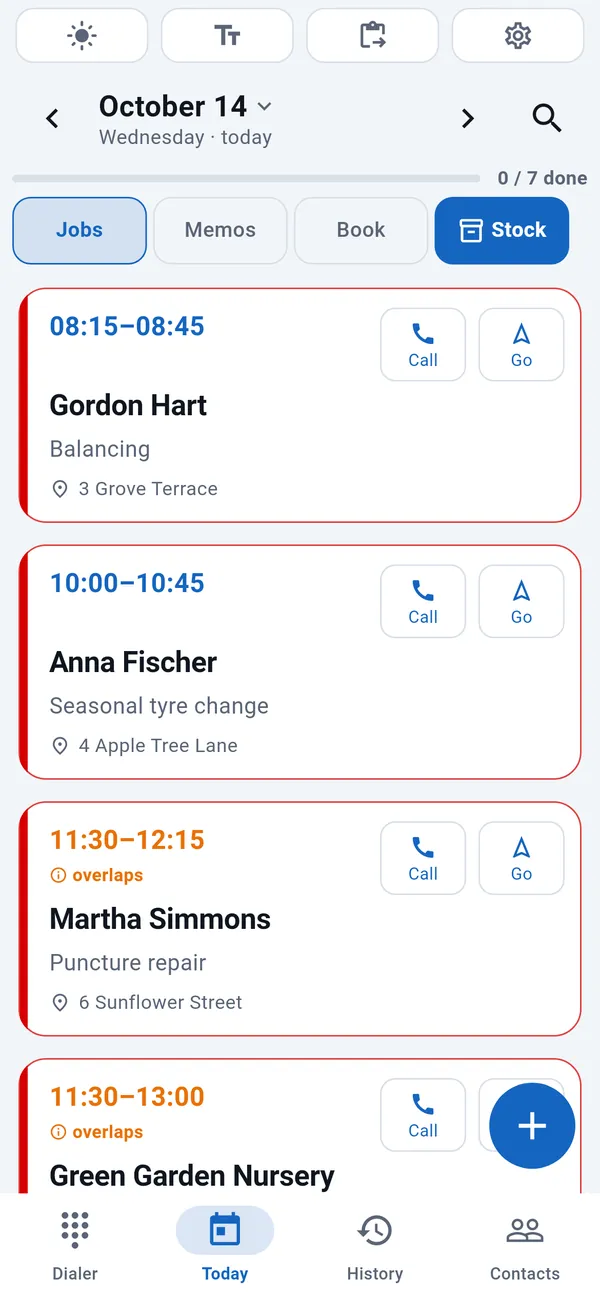
Seasonal tyre changes, puncture repairs, TPMS sensors – jobs go into your own Google Calendar. When a known customer calls, you see what was done last time, and the note, while the phone rings.
Mobile tyre fitter app – more →Locksmith
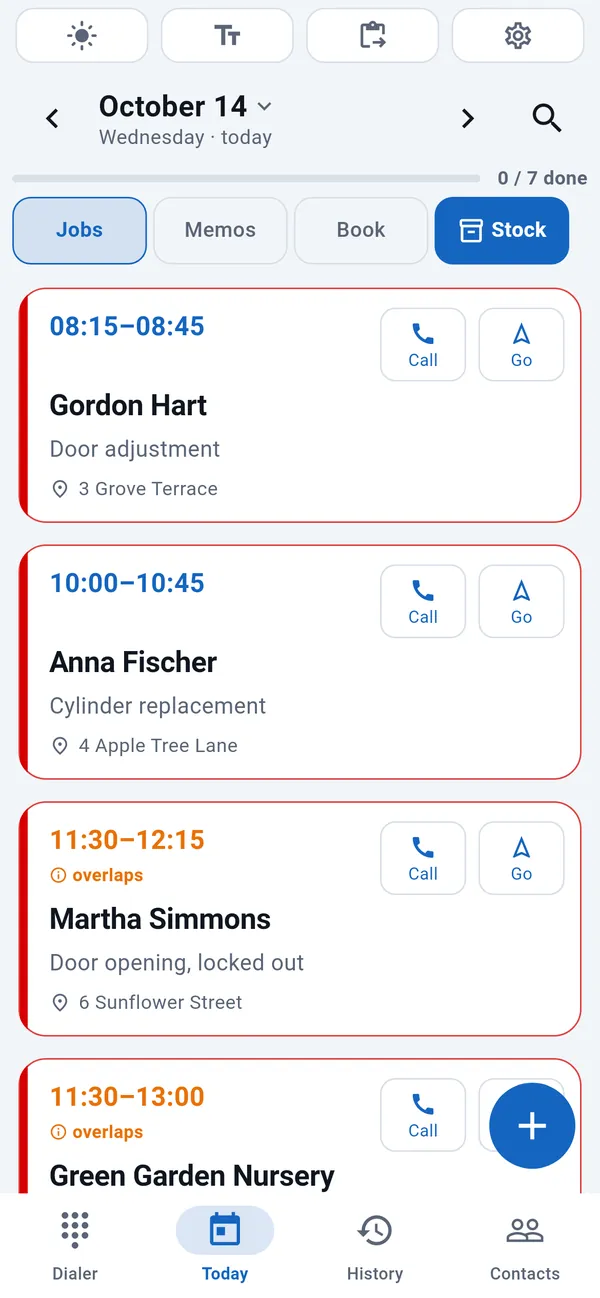
Cylinder replacement, lockouts, mortice locks – a call becomes a job in your own Google Calendar in a few taps. When a known customer calls, you see what happened there last time while the phone rings.
Locksmith app – more →Try it on your next job
You'll find the current price on Google Play.